Insatraction
In today's digital age, life is almost impossible without a computer, laptop or office workstation. Be it at home, office or business, our dependence on technology is increasing every day. But after buying a new computer, installing and configuring it is a very time-consuming and troublesome task. If not set up properly, the computer may slow down, create a security risk, or the necessary software may not work.
To solve this problem, OneLine Maintenance has come up with Computer Installation & Configuration Service - which will ensure that your device works properly and uninterruptedly from the very first day.
Why is it important to install and configure a computer?
A lot of people think, "When you buy a computer, it starts working." But reality is different. A new computer needs to be brought up to maximum performance:
-
Driver Installation and Update - An updated driver is required for the hardware to work properly.
-
Operating System Setup - If Windows, macOS or Linux are not configured correctly, there may be a software error.
-
Security Setup - If there is no antivirus, firewall and privacy settings, there is a risk of hacking or virus attack.
-
Network and sharing configuration - If the internet, printer, file sharing is not done properly, the work in the office will be disrupted.
-
Data Migration - Transferring data from an old computer to a new computer is a cumbersome and time-consuming task.
Our Computer Installation and Configuration Services Include
Set up a new computer or laptop
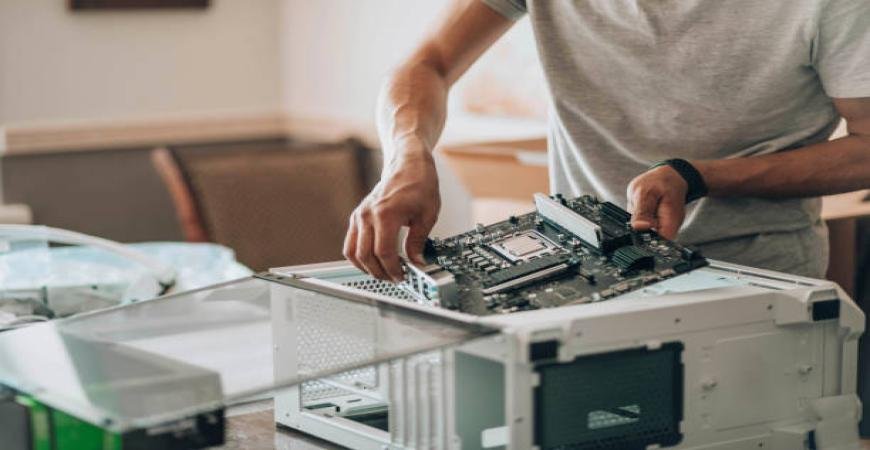
Our technicians will complete the hardware connection, basic configuration, and basic setup by unpacking the new computer or laptop.
The installation of the operating system
Windows 10/11, macOS, or Linux - any system is configured correctly, so that the device works quickly and stably.
Installation of software and drivers
Office applications, productivity tools, graphics / video editing software, or customized programs - everything will be installed according to your needs.
Network and Internet Setup
Configuring wired and Wi-Fi internet connection, multiple computer networking, printer and sharing setup in the office.
Security and anti-virus solutions
Licensed antivirus, firewall and backup configurations are made to ensure the security of the device.
The migration of data
All your files, photos, documents and software are transferred securely by transferring data from the old computer to the new computer.
The Process of Work
-
Unpack & Inspect - Open and initial test of the device.
-
Connect & Configure - Connect hardware and side devices (printer, scanner, network cable).
-
Installation of the latest operating system updates and drivers.
-
Security - anti-virus and cyber security features.
-
Network & Sharing - Internet, printer, file sharing configuration.
-
Final test to see if everything is working properly.
Frequently Asked Questions (FAQs)
Q: Do you have both Windows and Mac?
Yes, our technicians are able to configure all kinds of operating systems such as Windows, macOS and Linux.
Q: Is it possible to set up a remote computer?
Yes, we offer both on-site and remote support.
Q: Do you want to transfer files from an old computer?
Of course, we migrate data securely.
Q: Is it possible to install special software?
Yes, office or business software is installed according to your needs.
Q: How can I get it fast?
Bookings can be made quickly by contacting the website or WhatsApp.
Why Do You Want to Use OneLine Maintenance?
-
Qualified and Experienced IT Technician
-
Fast and reliable service
-
On-site or Remote Support
-
Works on all platforms - Windows, macOS, Linux
-
More than 15,000 satisfied customers
📞 Contact With Us
Need help with Computer Installation & Configuration? Our expert IT technicians are ready to assist you anytime in Riyadh, Jeddah, and Dammam.
-
📍 Location: Available across Riyadh, Jeddah & Dammam
-
📲 WhatsApp / Call: +966-559600576
-
🌐 Website: www.onelinemaintenance.com
-
✉ Email: info@onelinemaintenance.com
👉 Book your service today and enjoy fast, safe and hassle-free computer setup with OneLine Maintenance.
Conclusion
It's not enough to just turn a computer on; it's enough to install and configure it correctly so that it runs safely, quickly and hassle-free for a long time. So after buying a new computer or when setting up an office network, take OneLine Maintenance's Computer Installation & Configuration Service and be safe.